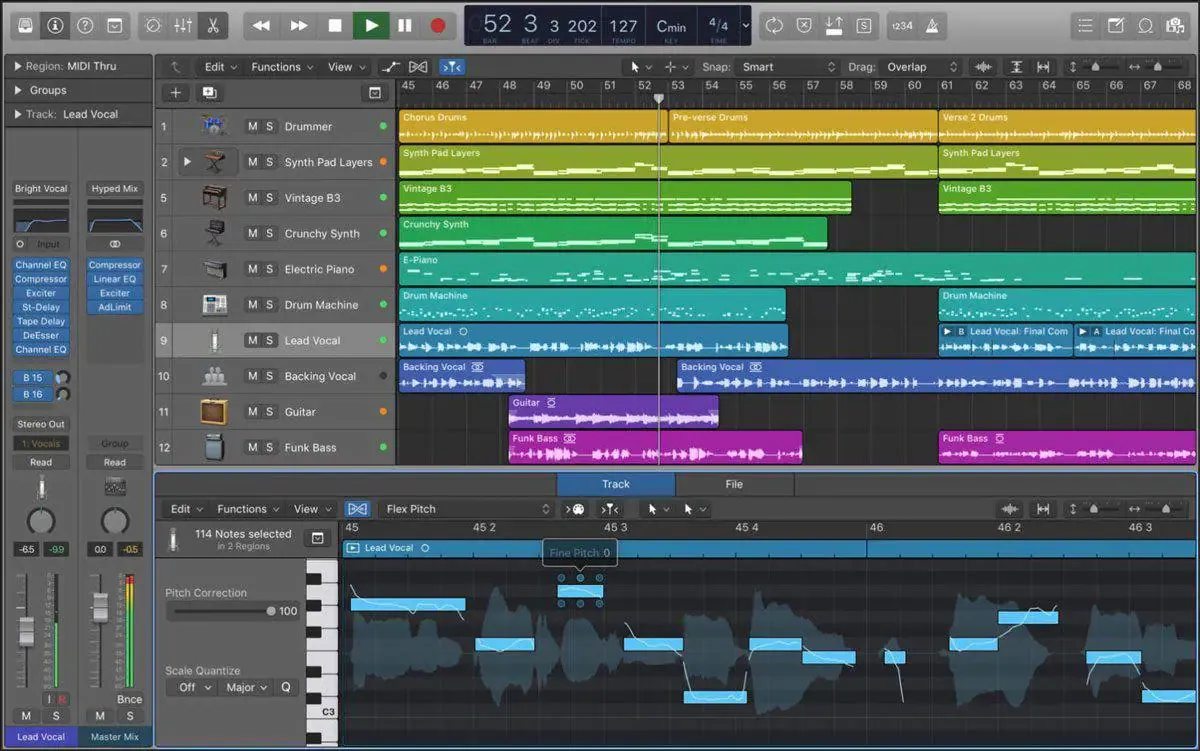
For most of us, the distance between a melody in your head and a finished arrangement is paved with hassle: tracking the same part over and over, programming MIDI note by note, or booking players you can't always afford. inRadium collapses that distance into a single click — record a phrase, pick an instrument, and let the AI play it back to you, perfectly in time with your music.
The old way: slow, costly, easy to abandon
Traditional arrangement asks you to be three people at once — performer, engineer and producer. You hum an idea, then spend the next hour fighting a piano roll to make it sound human, or hire a session player and re-track until the clock runs out. By the time the part is usable, the spark that started it has often faded.
The inRadium way: one click, one instrument, two takes
inRadium needs no music theory and no second musician. The flow is the same every time:
- Record 20 seconds or more of reference audio in your DAW.
- Check one of the 8 instruments — Acoustic Gtr, Electric Gtr, Piano, E-Piano, Drums, Bass, Strings or Synth FX.
- Pick one of 25 styles, and optionally describe the tone you want in the prompt box.
- Click Play <instrument> for Me.
Every generation hands you two full versions to choose between — so you're comparing options, not waiting on a single roll of the dice.
It plays to your music, not in a vacuum
This is the part that changes how a session feels: the generated instrument is auto-aligned to your recording. The top waveform is what you played; the bottom is what inRadium played back — and they move together, so you can audition the fit the instant it's ready.
inRadium is built to add a part to an existing arrangement. For the best results, sum your reference stems to one bus and remove or lower the vocal before you record — a lone vocal makes a much weaker reference.
From idea to track in under five minutes
When a take feels right, hold Drag into Track and drop it into your DAW's arrange area at the start of the project. inRadium creates a new track, names it after the instrument, and lands the audio exactly where it lines up with your recording. Need a cleaner result? On Max, Upgrade Sound Quality swaps in a higher-fidelity render of the same part.
That's the real shift behind AI arrangement: fewer barriers, faster iteration, and more of your attention left for the only thing that was ever the point — the music.
Curious how it feels in your own DAW? New accounts start with free credits, so you can run a full generation today.
Download inRadium